
Article of the Month

08/01/2026

Beyond will-change: Architecting GPU-Accelerated Animations

Deep dive into the browser rendering engine. Learn how to manage composite layers, avoid layout thrashing, and create high-performance animations for complex SPAs.

Blog of the month - Beyond will-change: Architecting GPU-Accelerated Animations

Latest Articles

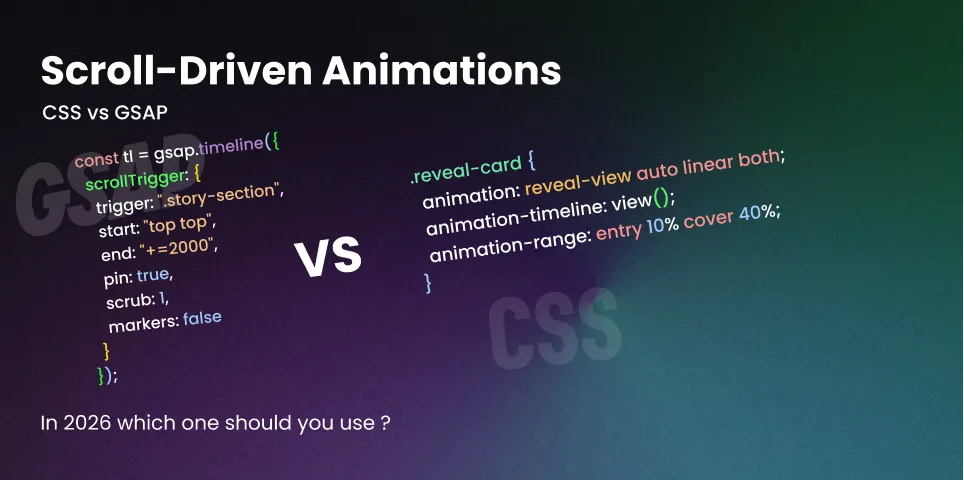
  • The Scroll-Driven Revolution: Native CSS vs. GSAP ScrollTrigger

    The Scroll-Driven Revolution: Native CSS vs. GSAP ScrollTrigger

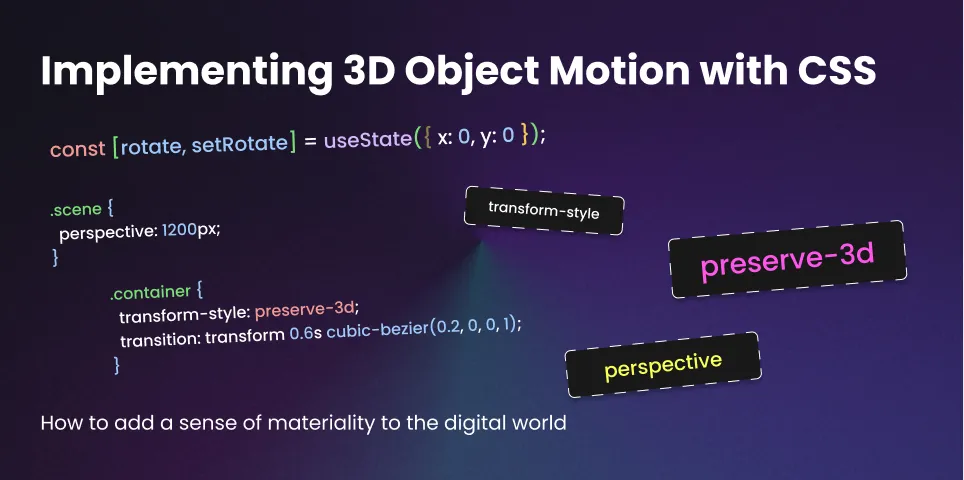
  • Implementing 3D Object Motion with CSS preserve-3d

    Implementing 3D Object Motion with CSS preserve-3d

CALCULATED CREATIVITY

Quick fixes for the modern developer

< accent-color >

< accent-color >

Instant Brand Compliance

The Solution

body {
  accent-color: #ff4500; /* Your Brand Color */
}

Why it works: This one line tints all native form controls (checkboxes, radios, progress bars, sliders) to your specific brand color while keeping the native browser accessibility and UI fidelity intact.

< aspect-ratio >

< aspect-ratio >

The CLS Killer

The Solution

.card-image, video {
  aspect-ratio: 16 / 9;
}

Why it works: The browser reserves the precise box size before the asset even downloads. No layout shifts, no jank, and strictly defined dimensions without hard-coding pixels.

< text-wrap >

< text-wrap >

The Death of the Orphan

The Solution

h1, h2, h3 {
  text-wrap: balance;
}

Why it works: The browser calculates the line length and mathematically balances the text across lines for an even visual weight. It’s the best upgrade you can give your typography with zero performance cost.

< place-items >

< place-items >

The Holy Grail

The Solution

.parent {
  display: grid;
  place-items: center;
}

Why it works: place-items is the shorthand for align-items and justify-items. Combined with Grid.

< isolation >

< isolation >

The Stacking Context Reset

The Solution

.component-root {
  isolation: isolate;
}

Why it works: This forces the element to create a new stacking context. Children inside this element can calculate their z-index relative to this element, not the entire page. It stops z-index leakage instantly.

< color-scheme >

< color-scheme >

The System-Level Dark Mode

The Solution

:root {
  color-scheme: light dark;
}

Why it works: It tells the rendering engine that your site supports both. The browser switches background and text colors to match the user’s system settings before your CSS even loads.